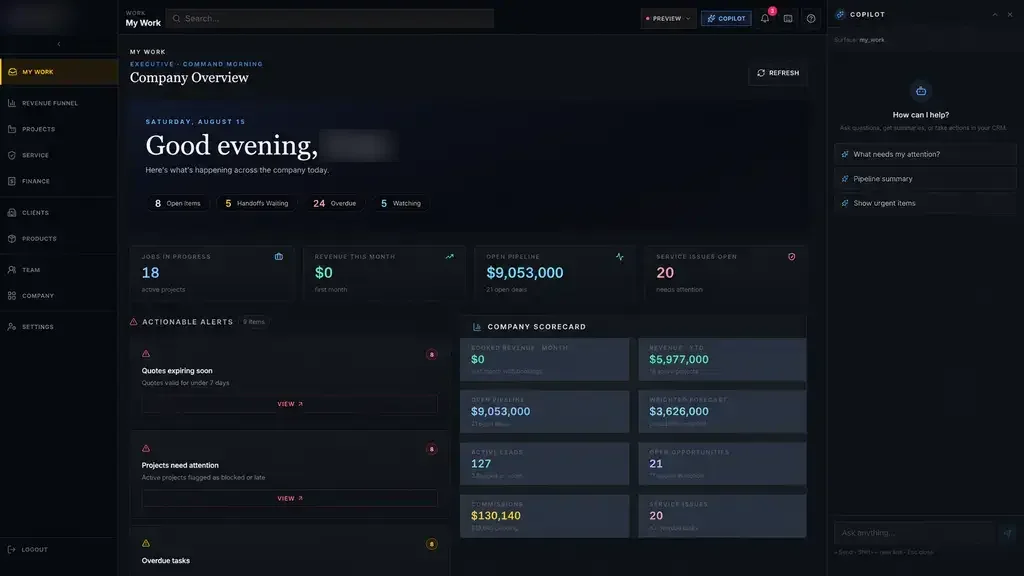
Every AI step is logged, every suggestion shows where it came from, and your staff approve before anything is sent or saved.
Documents read and matched
AI reads incoming documents, pulls out the fields you need and matches them to the right patient, job or deal. Uncertain matches go to a review queue instead of a guess.
- Faxed referrals and orders
- Emailed purchase orders
- Insurance cards and forms
- Contracts and proposals
Next steps drafted, not sent
The system drafts the reply, task or update. A person reads it and approves, edits or rejects it.
- 1 Information arrives
- 2 AI reads and sorts it
- 3 Person reviews
- 4 System records the decision
- 5 Next step starts
Ask your own system
Staff can ask plain questions about your own records, such as which referrals are waiting on records, and get answers linked to the records behind them.
TodayWith ai automation & integration
✕Staff retype faxes and PDFs
✓Fields extracted for review
✕Replies written from scratch
✓Drafts ready to approve
✕Answers buried in records
✓Plain questions, linked answers
The system handles
- Reading and sorting incoming information
- Finding the right procedure or record
- Drafting summaries and replies
Your people decide
- Approving anything that leaves the building
- Decisions that need expertise
- Handling the unusual cases